Automation · Field Notes
AI Social Media Scheduling Optimization: Execution Playbook (2025)
This page is the execution lane: how to operationalize posting cadence, timing tests, and cross-platform scheduling once your tool stack is chosen.
Scheduling is a cadence problem, not a calendar widget
AI scheduling earns its keep when it answers three questions every week: how often should each channel post, which windows actually convert for your audience, and what should never auto-publish without a human eye.
Teams that switch from gut timing to AI-assisted windows often see engagement move 10-30% when content quality is already decent. Timing cannot rescue thin creative.
Cadence defaults, then learn
Start with sustainable floors: LinkedIn a few times per week with substance, Instagram daily only if assets exist, X/Twitter when you can actually converse, TikTok only with a real production rhythm. Empty slots filled by AI filler destroy distribution algorithms faster than posting less.
Let the scheduler propose windows from your historical engagement. Override for launches, live events, and newsjacking. Re-score windows monthly because audience behavior drifts.
Cross-platform without lazy duplication
Cross-posting the same caption everywhere is how accounts look automated in the worst way. Use one idea, channel-native packaging: shorter cut for short-form video, carousel for IG, narrative post for LinkedIn. Good schedulers support per-network fields. Use them.
Buffer, Hootsuite, Sprout, Later, SocialBee, CoSchedule, Agorapulse all cover the core job with different strengths. Pick based on your stack decision, then spend energy on the cadence loop above.
AI social scheduling
- What is AI social media scheduling?
- Using models trained on engagement patterns to propose publish times and automate the queue, while humans keep creative and compliance control.
- How accurate are posting time recommendations?
- Accurate enough to beat static internet advice when trained on your account. Expect meaningful engagement lifts when creative is already solid. Re-validate often.
- Which platforms are supported?
- Major tools cover Meta, LinkedIn, X, Pinterest, TikTok, and often YouTube. Confirm the formats you need (Reels, carousels, Threads) before you commit.
- Is manual review still required?
- Yes. Automate timing and queueing. Keep humans on voice, claims, and brand safety.
Keep Reading
Related Articles
Pick the next guide based on where you are in implementation.
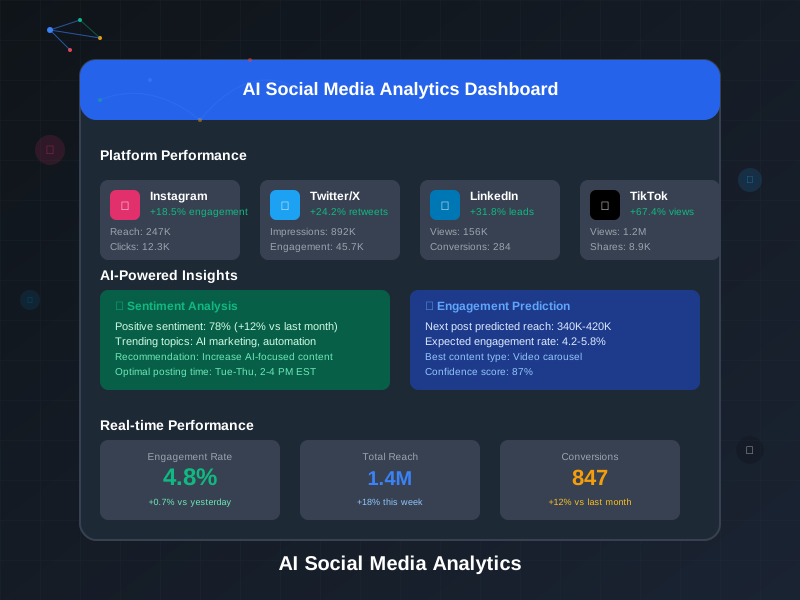
AI Social Media Analytics & Insights
Master AI-powered analytics to uncover deep social media insights
Read article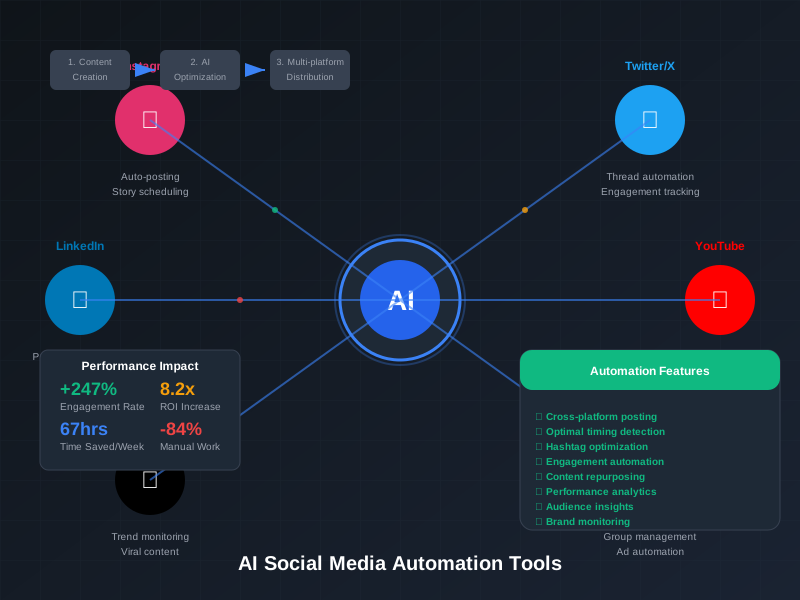
AI Social Media Marketing Automation Tools
Compare the best AI tools for automating your social media marketing
Read article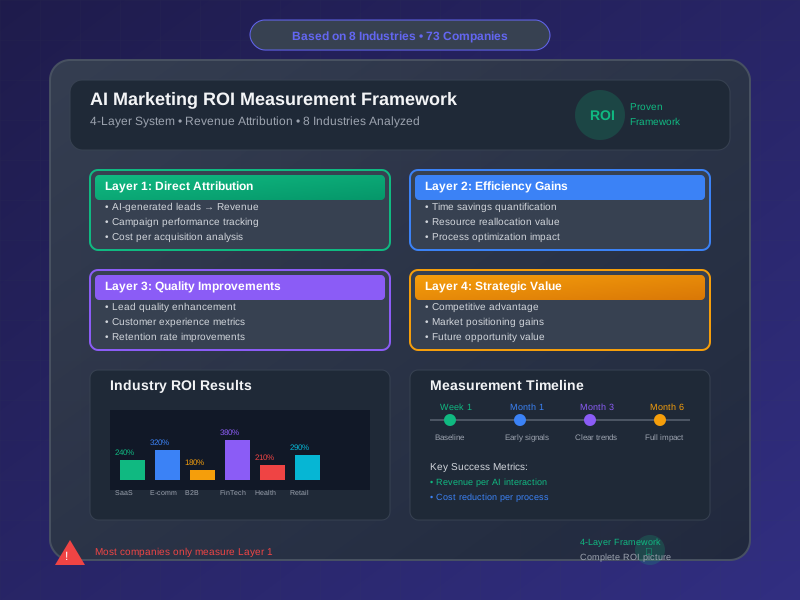
AI Marketing Automation ROI Calculator
Calculate the ROI of AI marketing automation with our interactive tool
Read articleNext step
Ready for systems that keep compounding?
Say hi, send a work brief, or dig through the Lab first. Same person on the other side. I reply personally.